Turn a photo into a painting
Upload a portrait, a pet or a view from your window and choose the period it should be painted in. The photo guides the composition and the period decides the brushwork, palette and finish. The same photo can become a Baroque oil, an Impressionist garden study or a woodblock print.
Upload a photo2 free credits when you sign in with Google
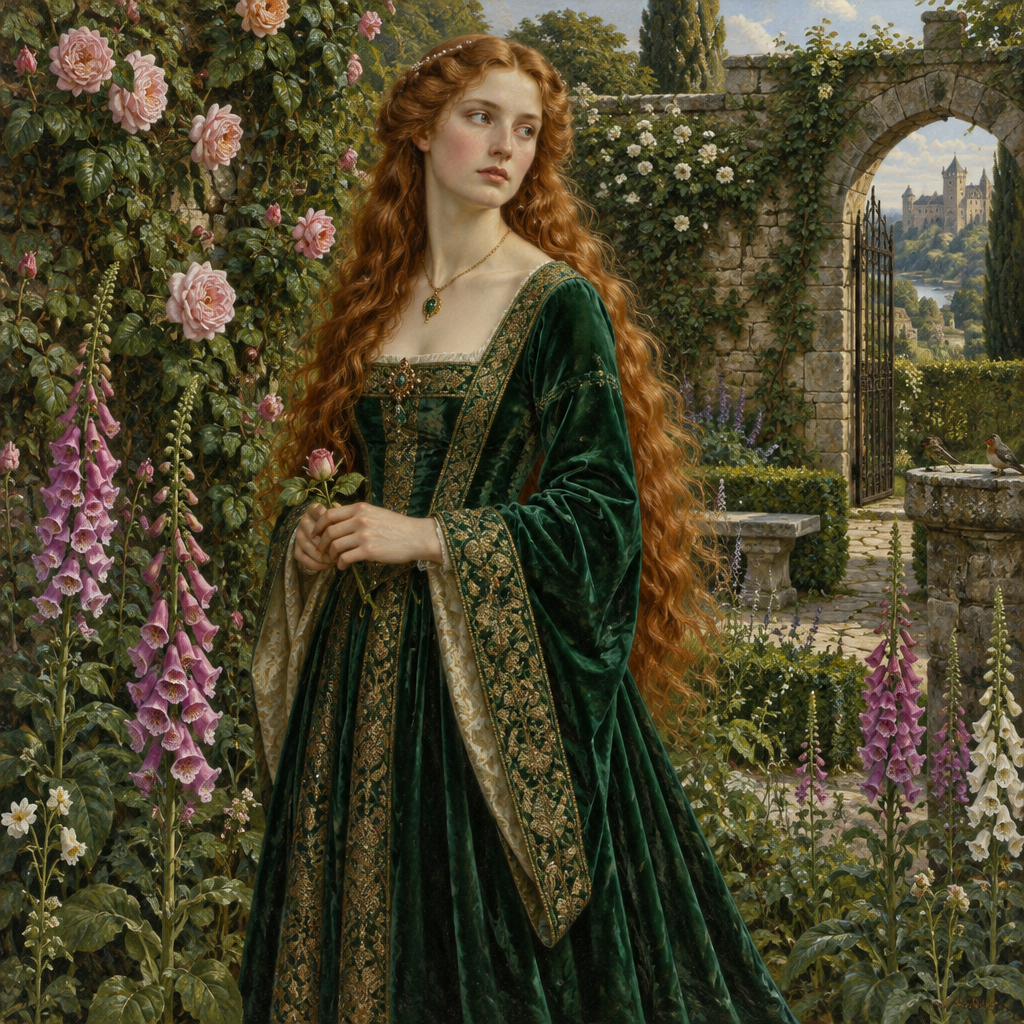
How it works
1. Upload a photo
Use a clear picture of a person, an animal, a room or a landscape.
2. Pick the period
Renaissance and Baroque suit portraits; Impressionism and Romanticism suit landscapes.
3. Generate
Download the painting, or type an instruction to adjust it.
- Works with portraits, pets, interiors and landscapes
- All 48 periods are available for photos
- Add a short note to steer the background, clothing or mood
- Edit the result with plain-English instructions
From the community gallery
Nothing here yet
Be the first to create one.